How-To: Accessing the NINJIO Training Portal
Accessing your training is quick and seamless using our "Magic Link" system—no password required.
Step 1: Click the https://landing.goninjio.com/portal/login link you received—it’s bookmarkable, so save it for quick access later.
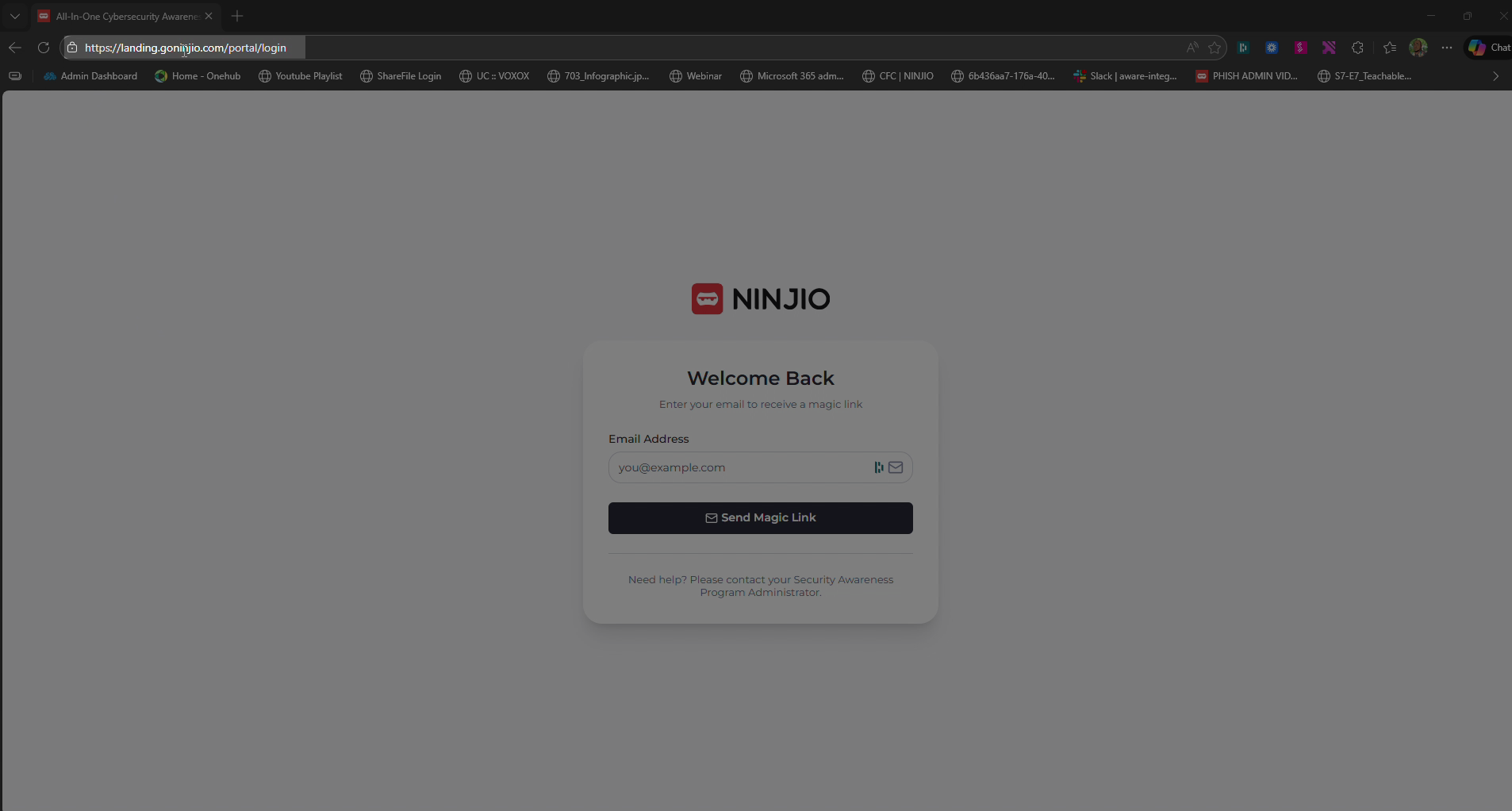
Step 2: Enter your email address in the Email field.
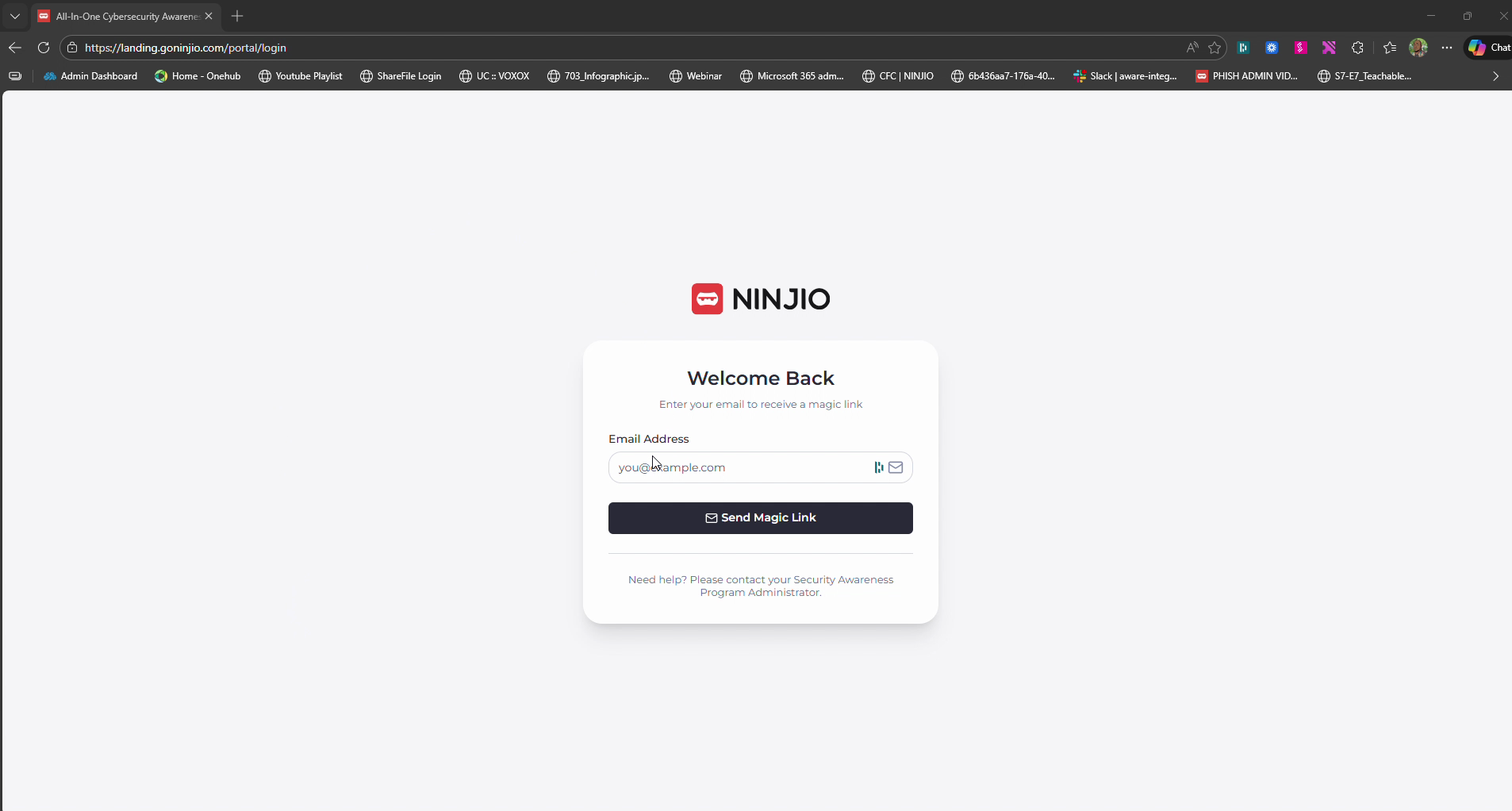
Step 3: Click Send Magic link. You’ll see a notification in the top right letting you know the sign-in email is on its way.
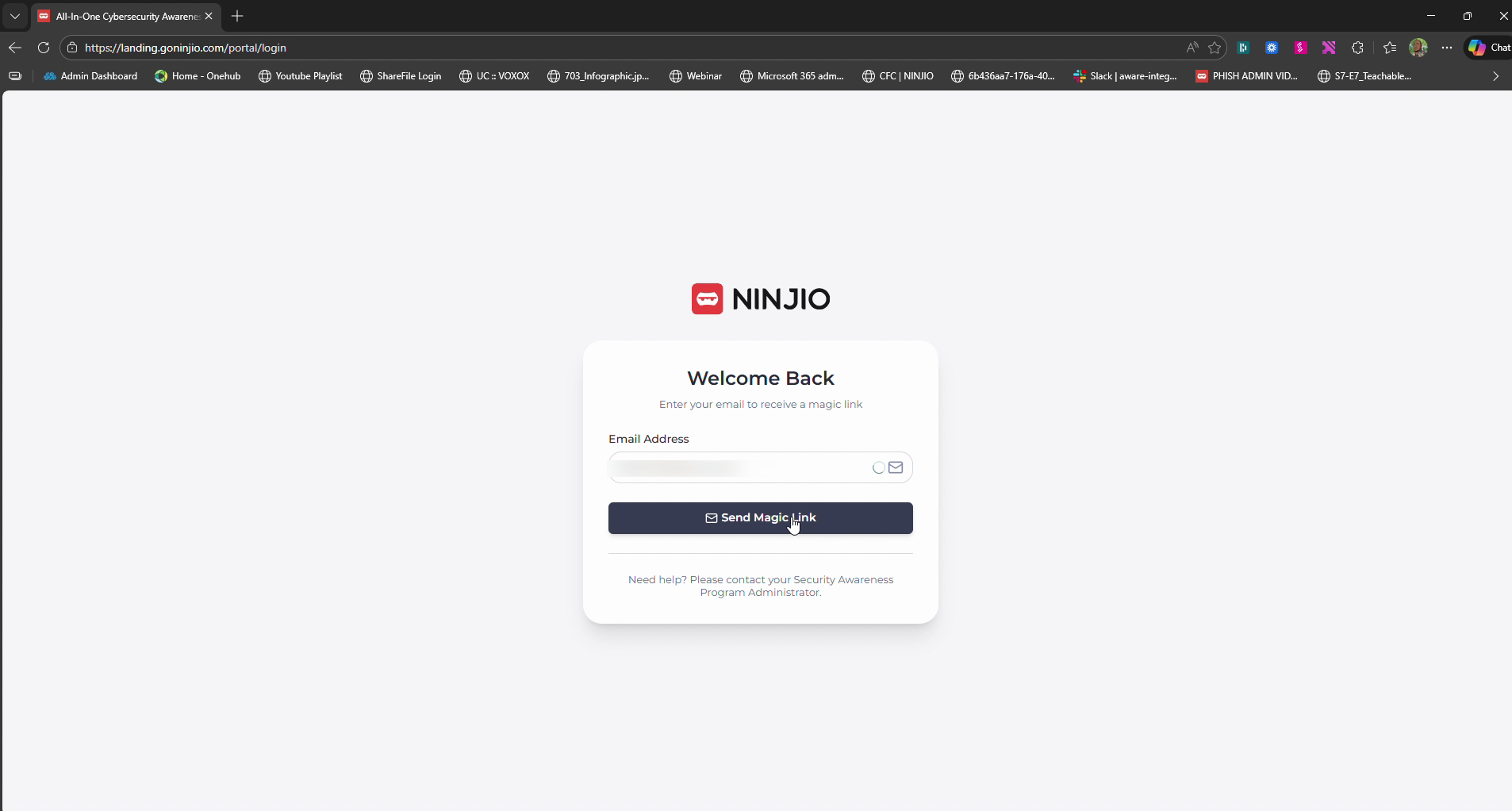
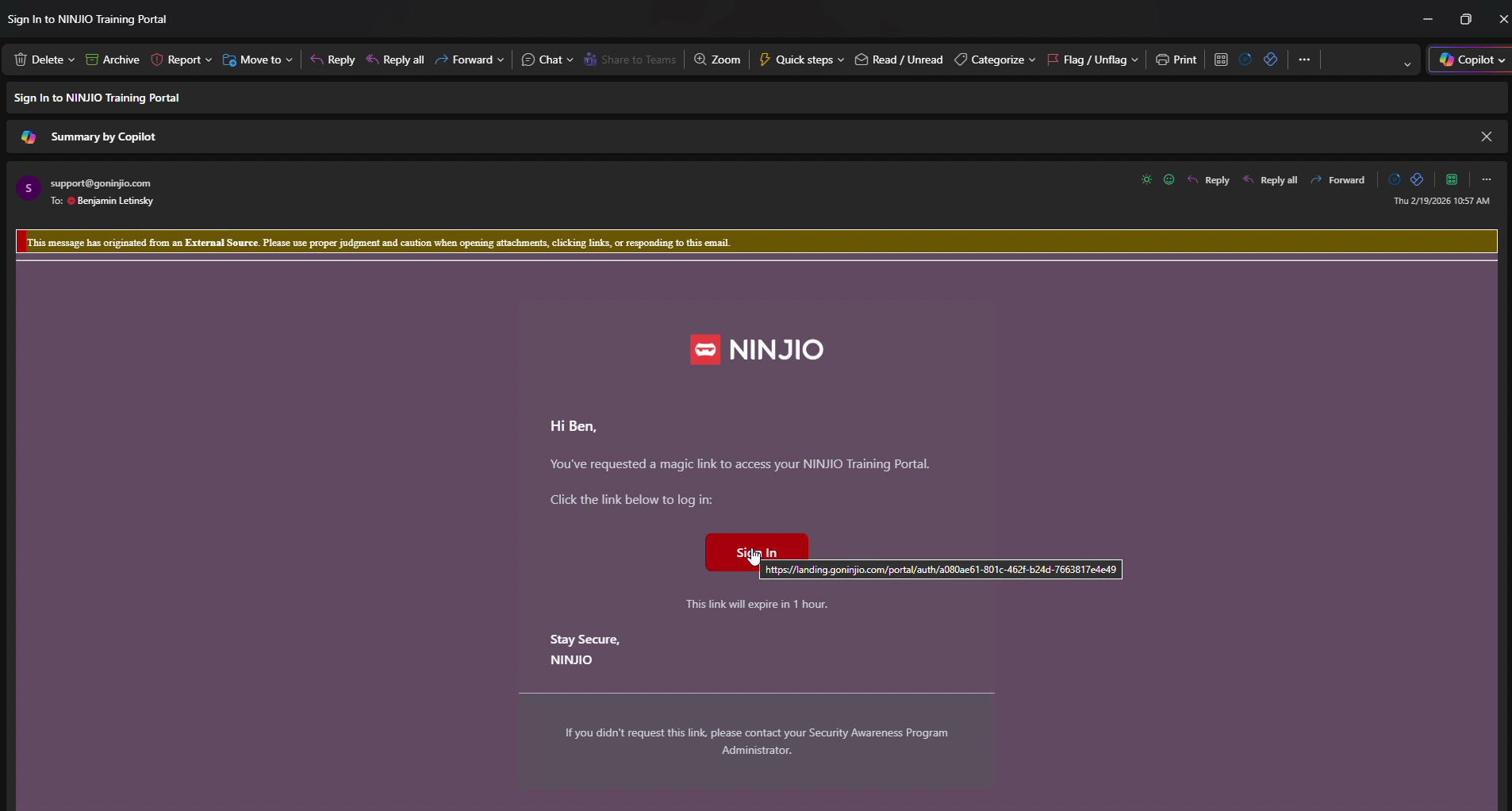
Step 4: Check your inbox for a message with your sign-in link (Sign In to NINJIO Training Portal).
Step 5: Click the Sign in button in the email. This verifies your identity and takes you straight into the portal.
Step 6: Once logged in, you’ll land on your dashboard. To watch your current outstanding training, hit the play button visible on the screen.
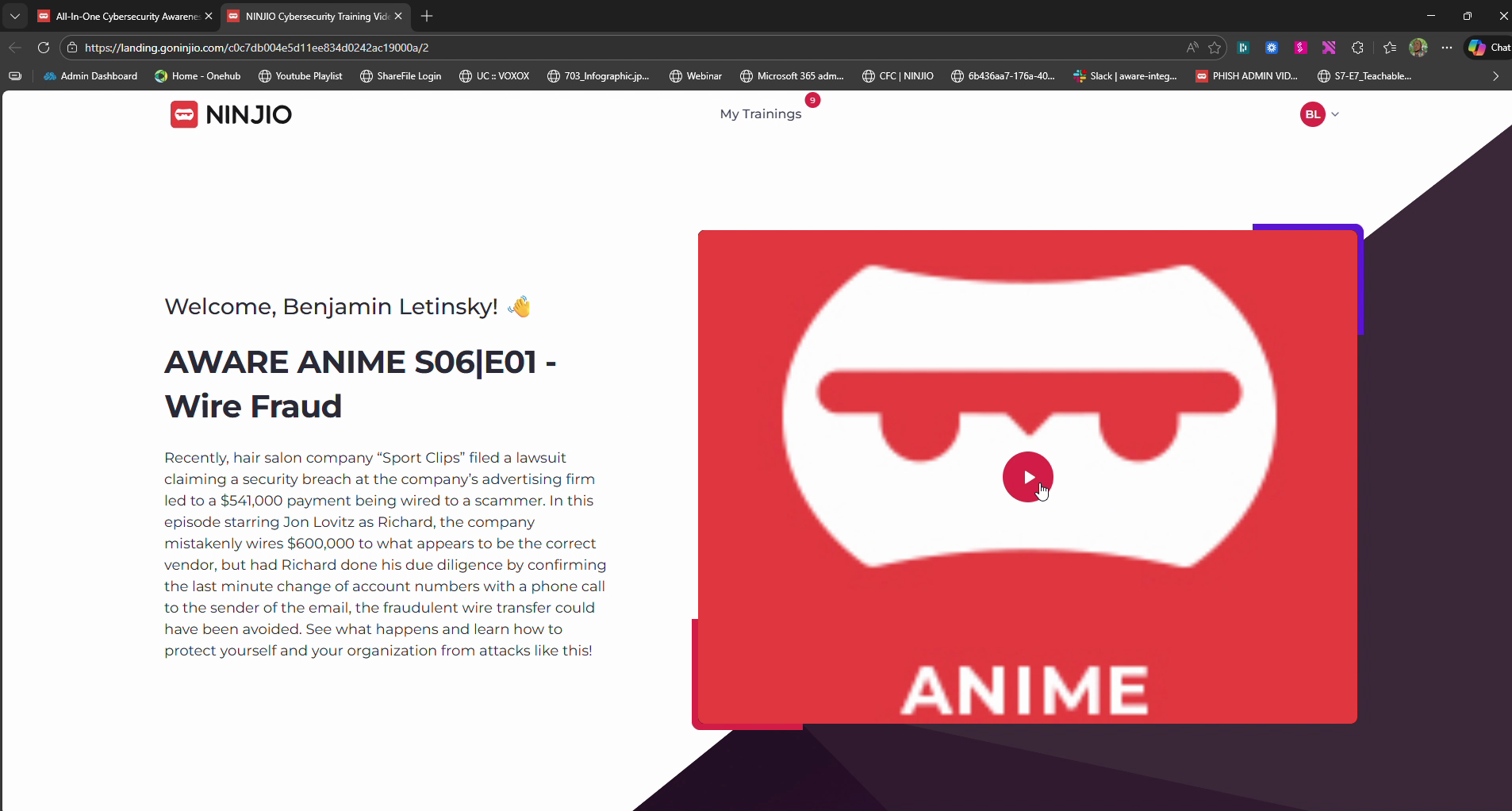
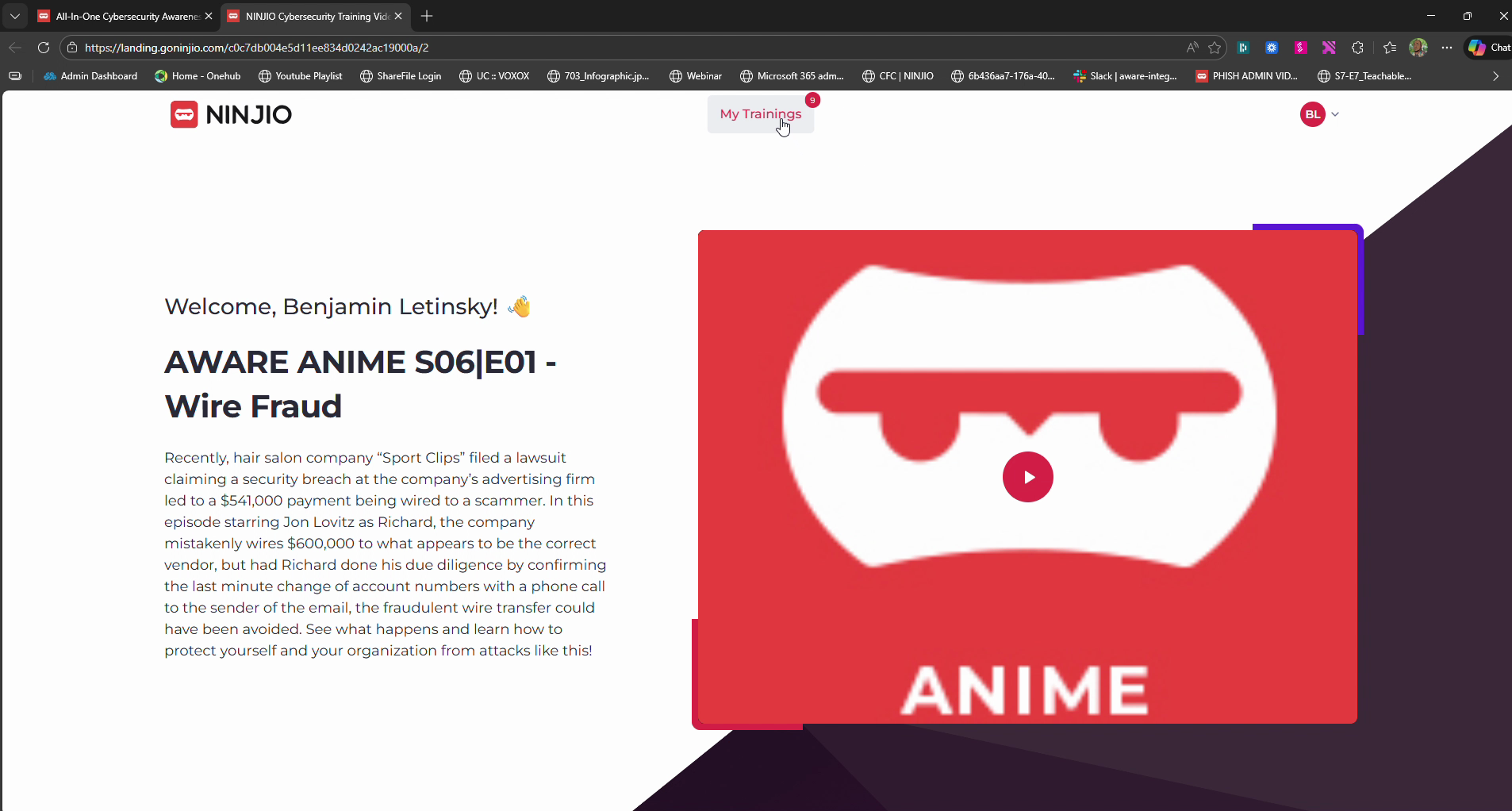
Step 7: For a full view of your progress, click My Trainings. Here, you’ll see both outstanding and completed trainings.
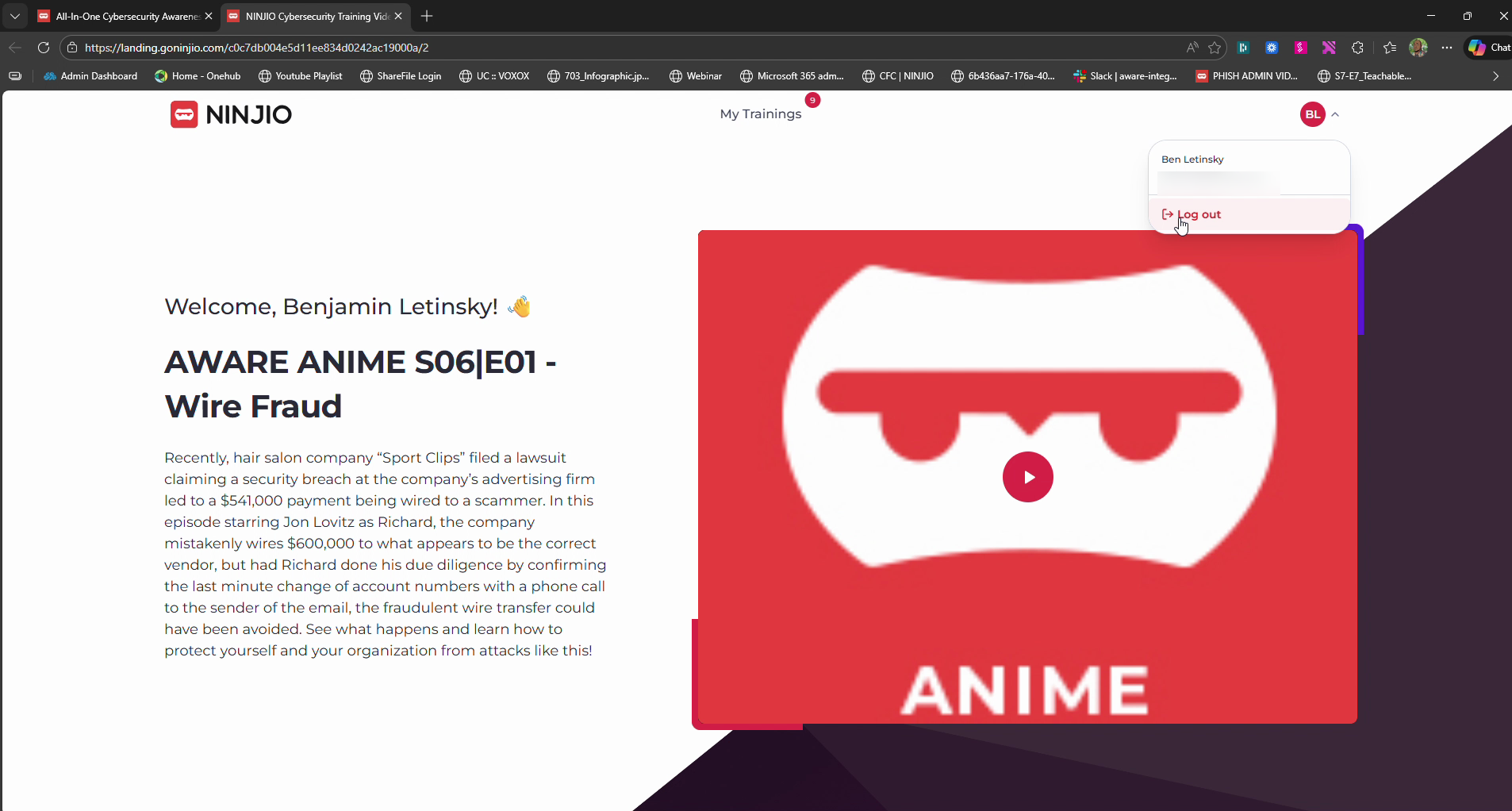
Step 8: Finished for now? Go to the top right corner, click the dropdown arrow next to your name, and select Log Out to keep your account secure.
See this quick How-To video:
Was this article helpful?
That’s Great!
Thank you for your feedback
Sorry! We couldn't be helpful
Thank you for your feedback
Feedback sent
We appreciate your effort and will try to fix the article